
How to turn a voice message into text
- Save the recording as a file. In a chat app, share or export the voice message; in Voice Memos, share the memo to Files.
- Choose it above. Add up to 10 messages or memos at once and pick the spoken language.
- Copy or download the text. Fix any words first if you like, then copy it or download TXT.
Example: a voice memo after a client meeting
Our sample memo is a 2-minute note dictated right after a meeting (a scripted recording made for this site). This is the TXT the free model on your device produced, unedited, ready to paste into your notes or to-do list. Unedited output of the free Fast model on your device. It heard “quit note” for “quick note”: fix words like that in the editor before you export.
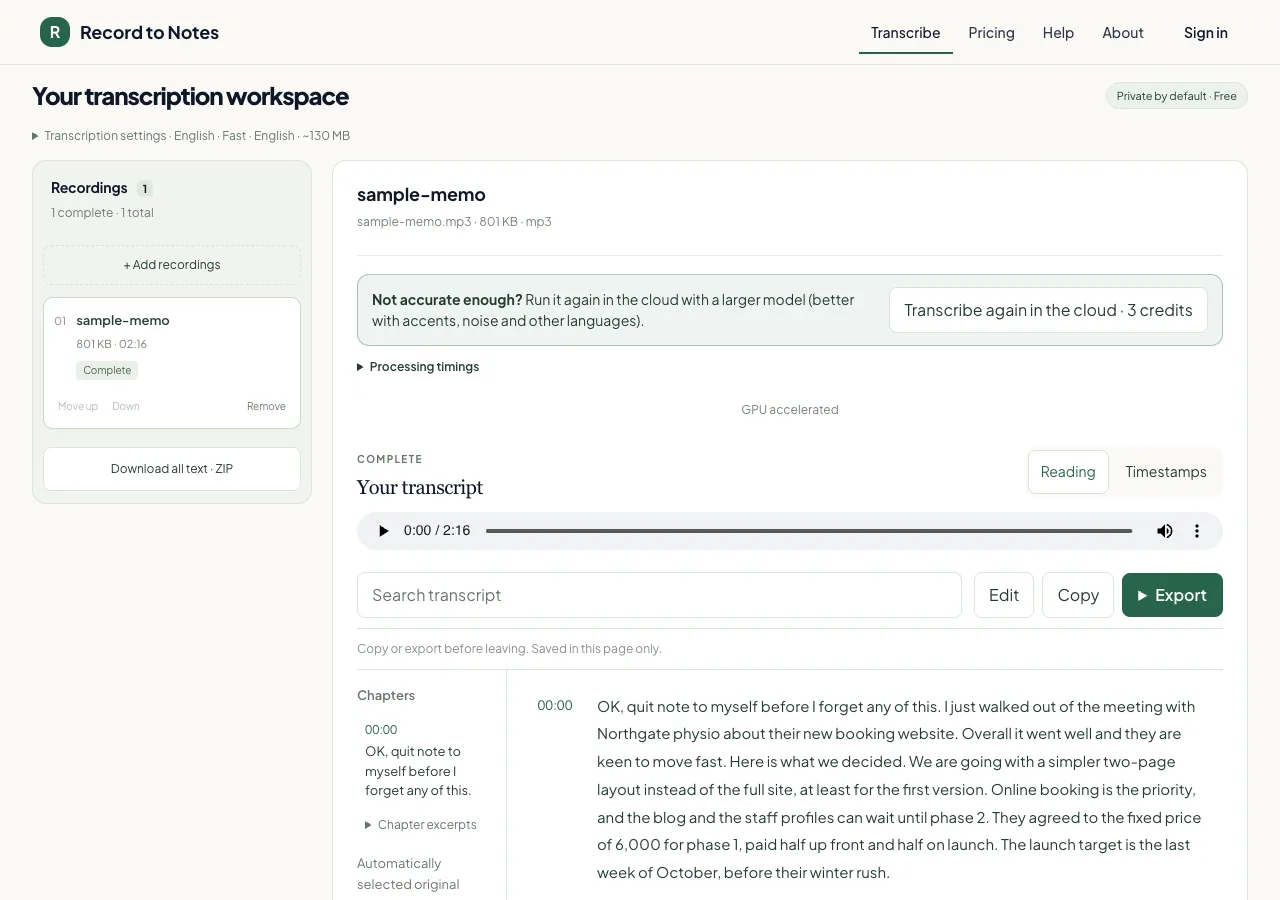
Now the action items. The first one is mine. I need to send the revised proposal and the contract to Helen by this Friday, the 12th. It should list the phase two items as optional extra so they stay on the radar. The second one is prayer. She is going to set up the booking system demo on the staging site by next Wednesday, the 17th. Helen wants to try it herself before she shows it to the other Physios, so it needs to be stable, not just pretty. The third one is Tom on their side. He is collecting the photos of the clinic and a short bi-o-for-each therapist, and he promised to have them to us by the 20th.Voice messages, memos and journals
- Voice messages: read a long voice note instead of listening to it, or keep it as text.
- Voice memos: turn ideas, reminders and notes you dictated into text you can search and paste.
- Audio journals: transcribe a spoken diary or travel journal entry and keep it as a written diary in TXT or Markdown.
Formats
OGG and Opus (typical for chat voice notes), M4A (Voice Memos and most phones), MP3, WAV, FLAC and AAC. Video files work too: MP4, MOV, WebM and MKV.